Manual Picking Release
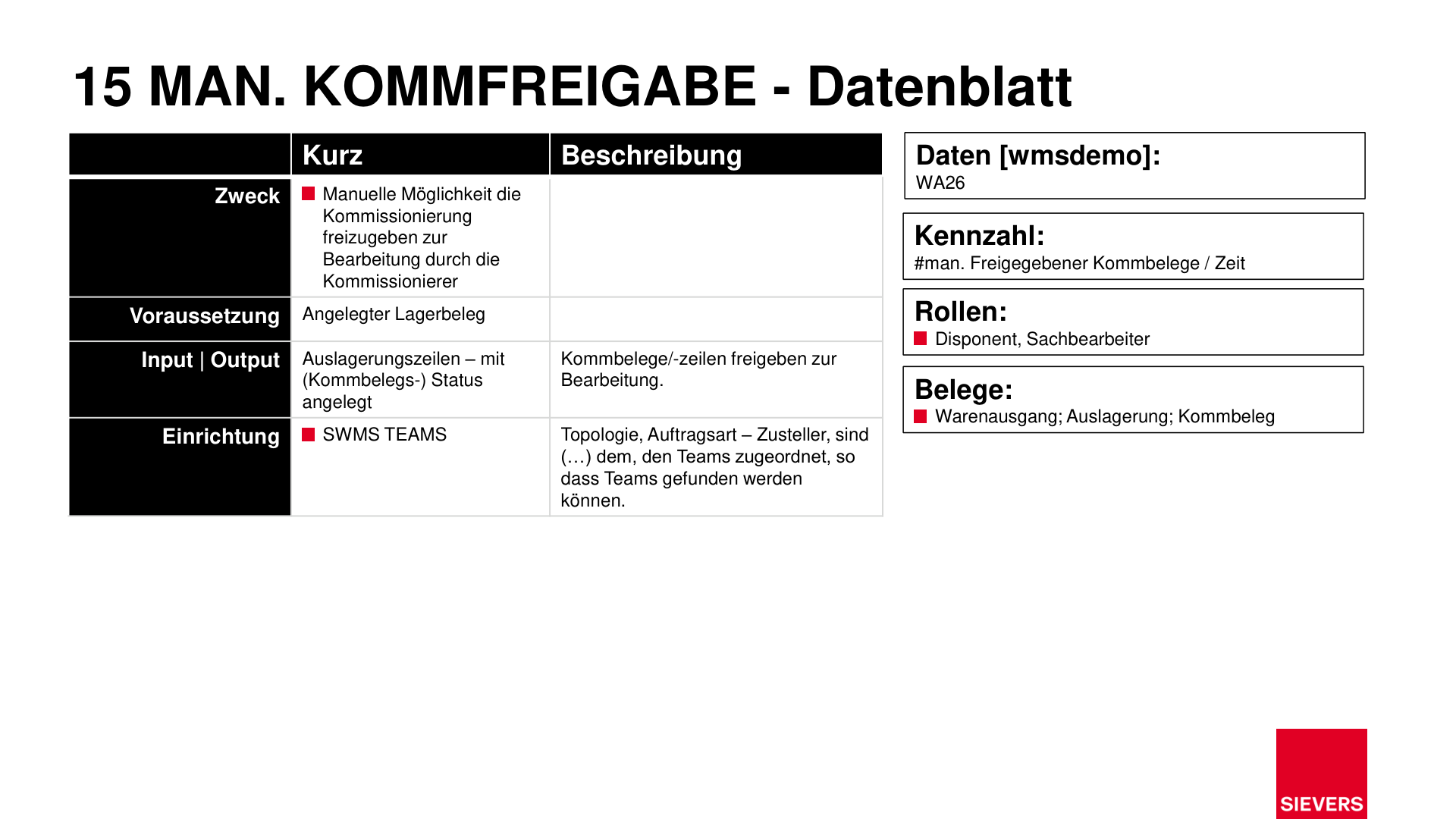
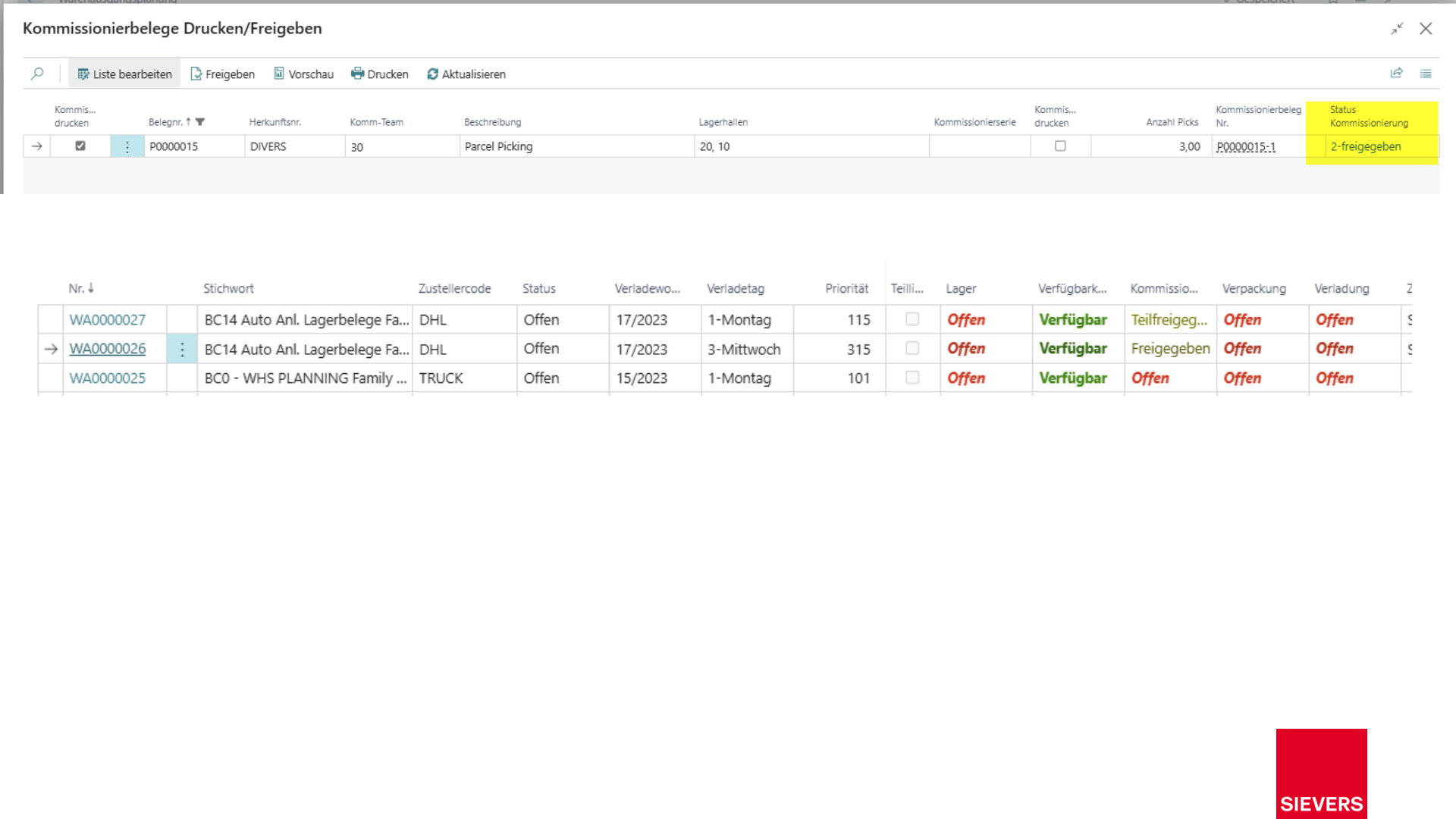
Manual picking release allows a dispatcher to explicitly release a created picking document for processing by warehouse pickers. It is used when no automatic release is configured, or when an individual decision is required.
Purpose
- Release a picking document manually for processing
- Reset the release or delete the picking document without removing the stock reservation
Prerequisites
- Warehouse document (outbound stock post) created
- SWMS Teams configured with topology, order type, and shipping agent
Operation
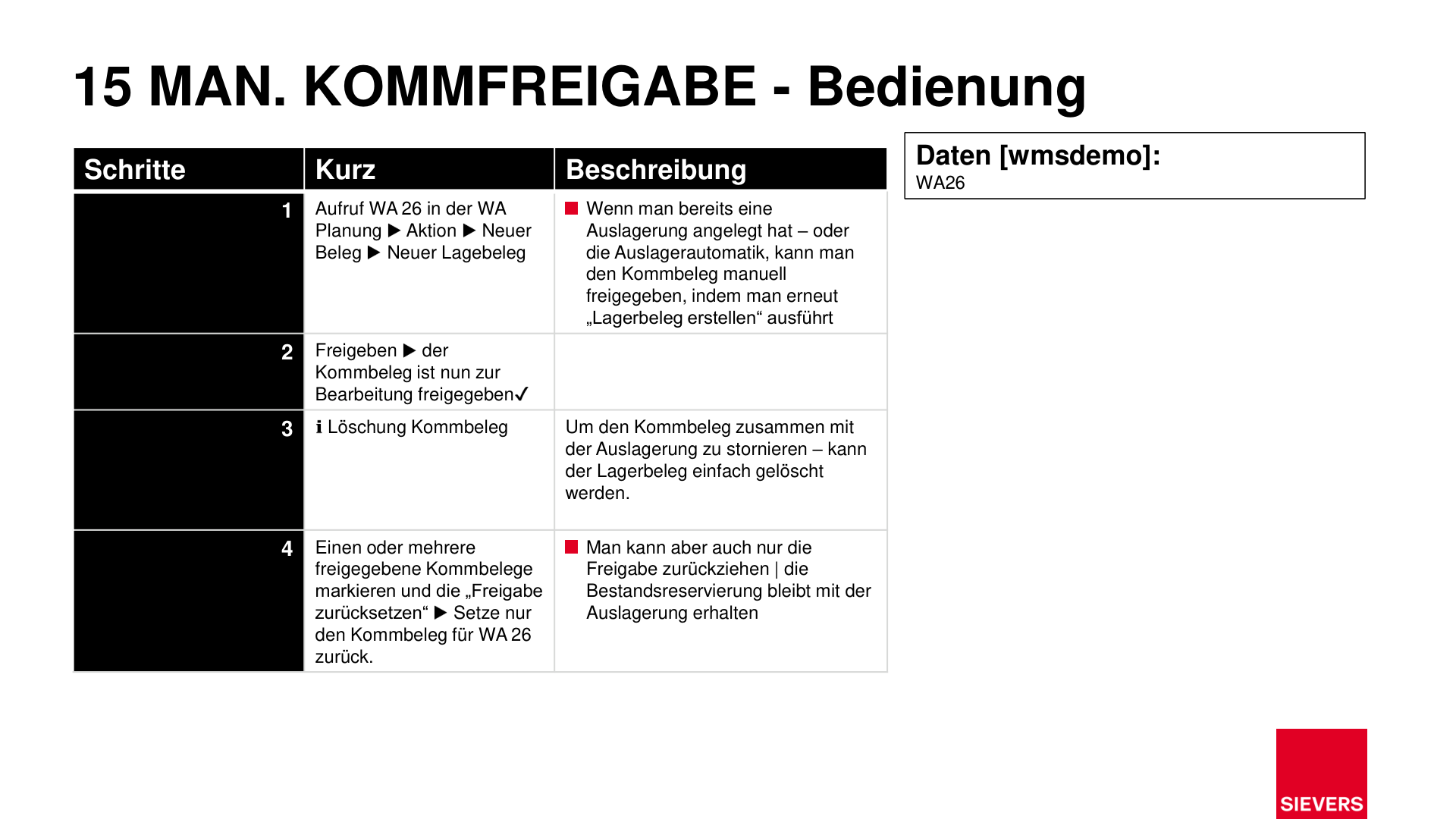
1. Create or open the warehouse document
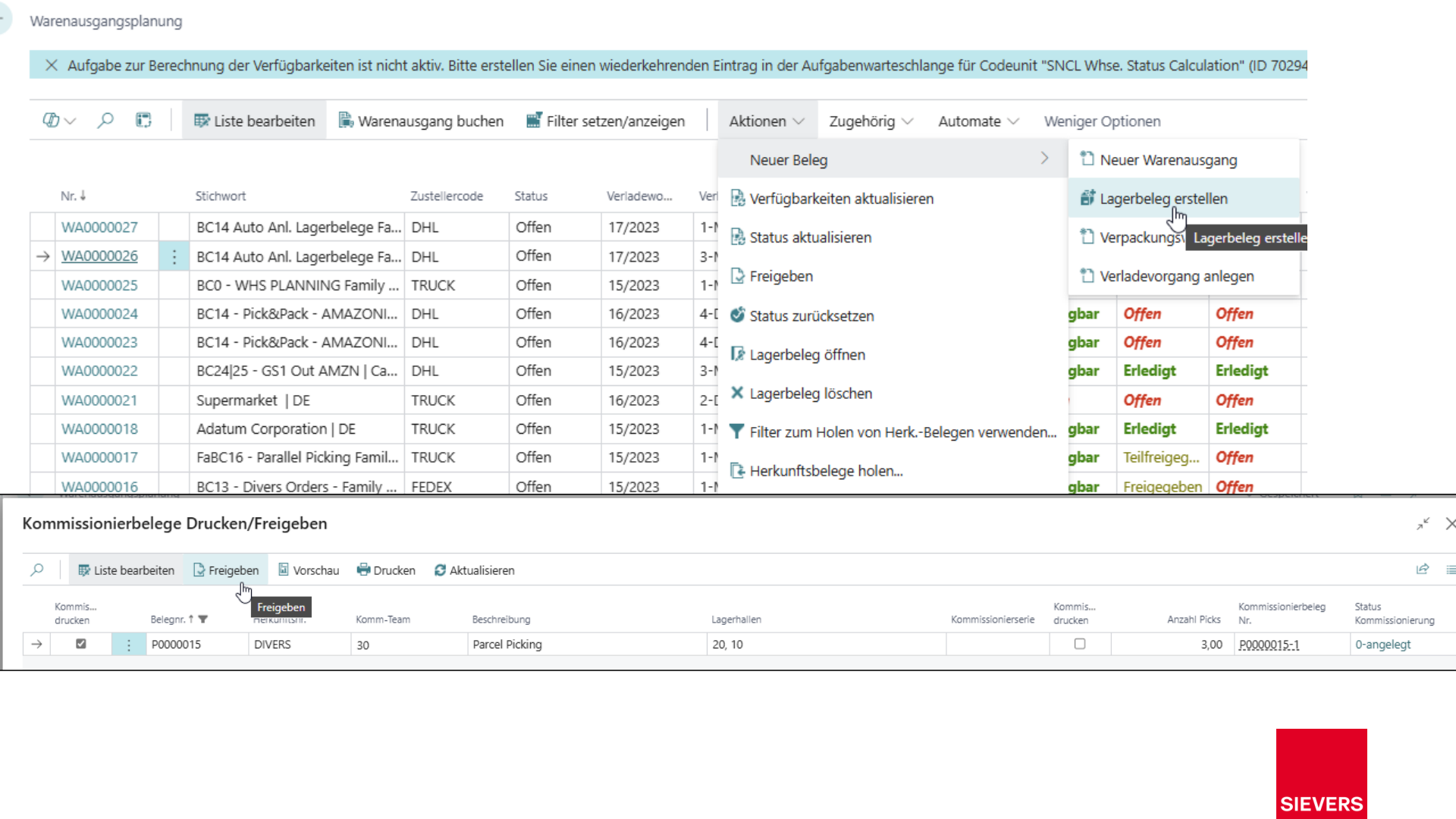
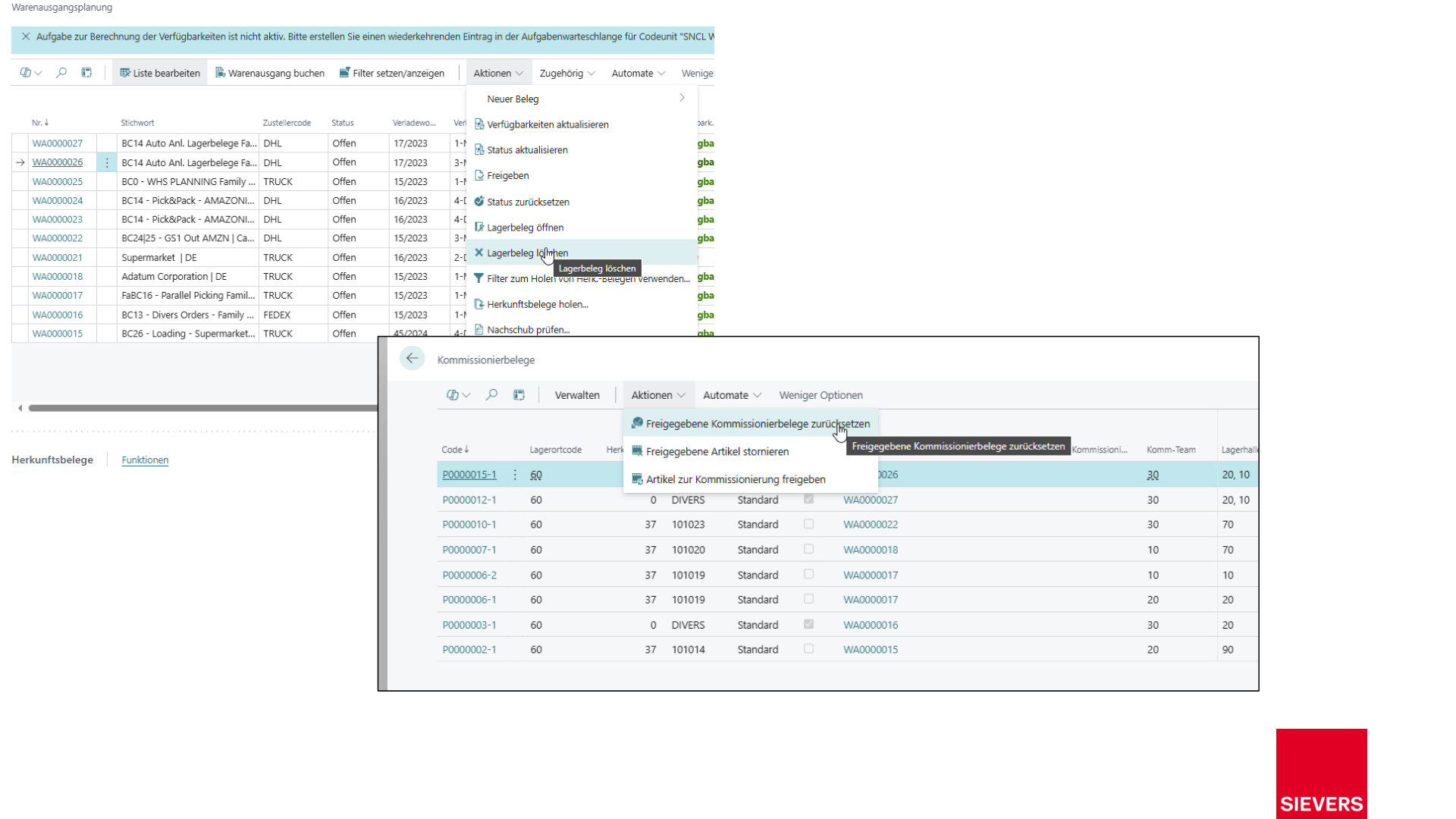
Open the warehouse shipment in Warehouse Shipment Planning and select Action > New Document > New Warehouse Document. If an outbound stock post already exists, running "Create Warehouse Document" again makes the picking document available for manual release.
2. Release the picking document
Select the picking document and click Release. The document is now released for processing by pickers.
3. Delete the picking document
To cancel the picking document together with the outbound stock post, delete the warehouse document. Stock reservations are also removed.
4. Reset the release
Select one or more released picking documents and choose Reset Release. The stock reservation in the outbound stock post is retained; only the release of the picking document is withdrawn.
Tipp
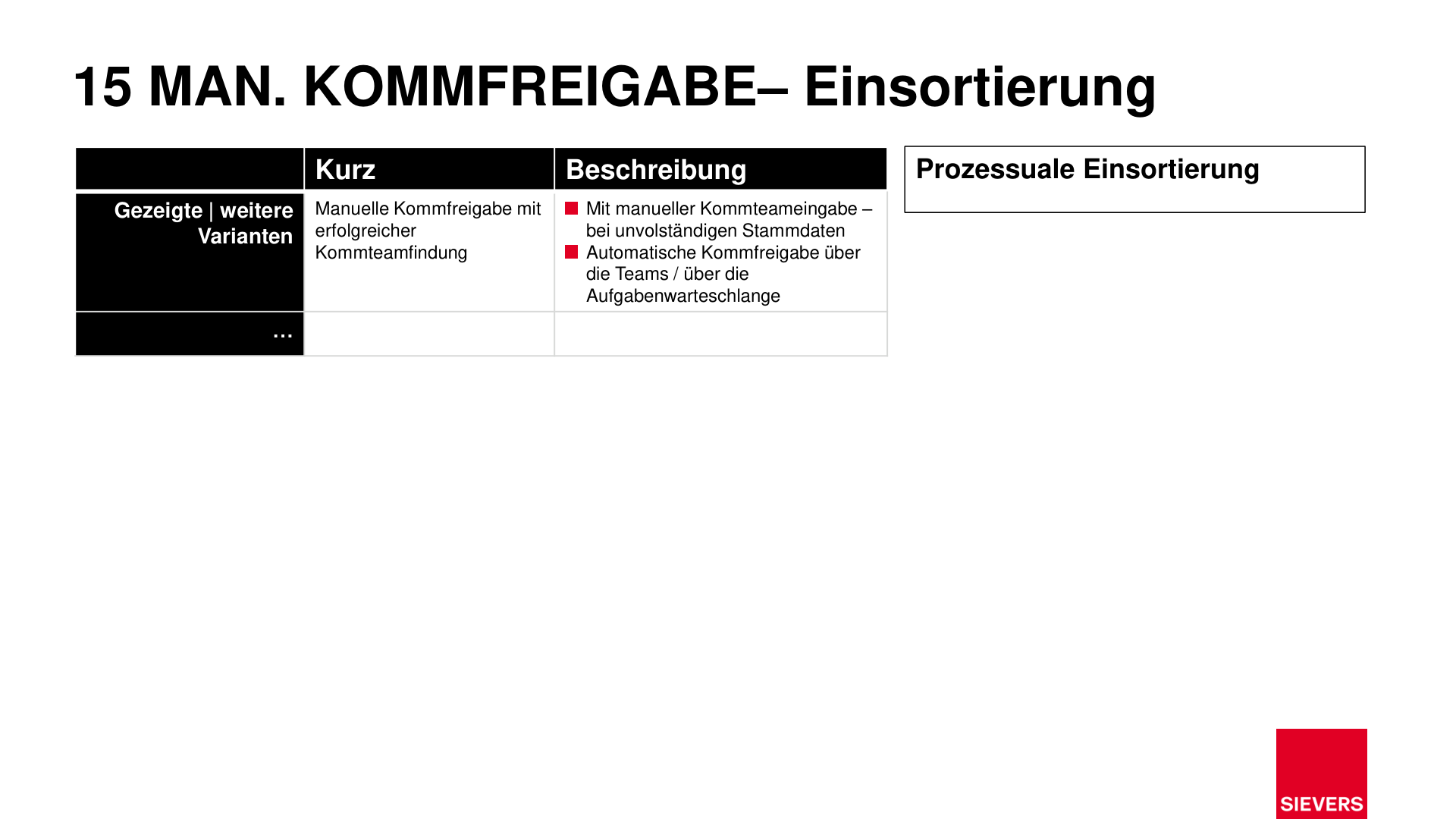
The automatic alternative to manual release can be configured via SWMS Teams or the job queue.
Setup
- SWMS Teams: Topology, order type, and shipping agent must be assigned to teams so that a picking team can be found.
Slides