Deleting Warehouse Shipments
Warehouse shipments that have not yet been processed can be deleted individually or in bulk from Warehouse Shipment Planning. The associated source documents are retained and can be assigned to a new warehouse shipment.
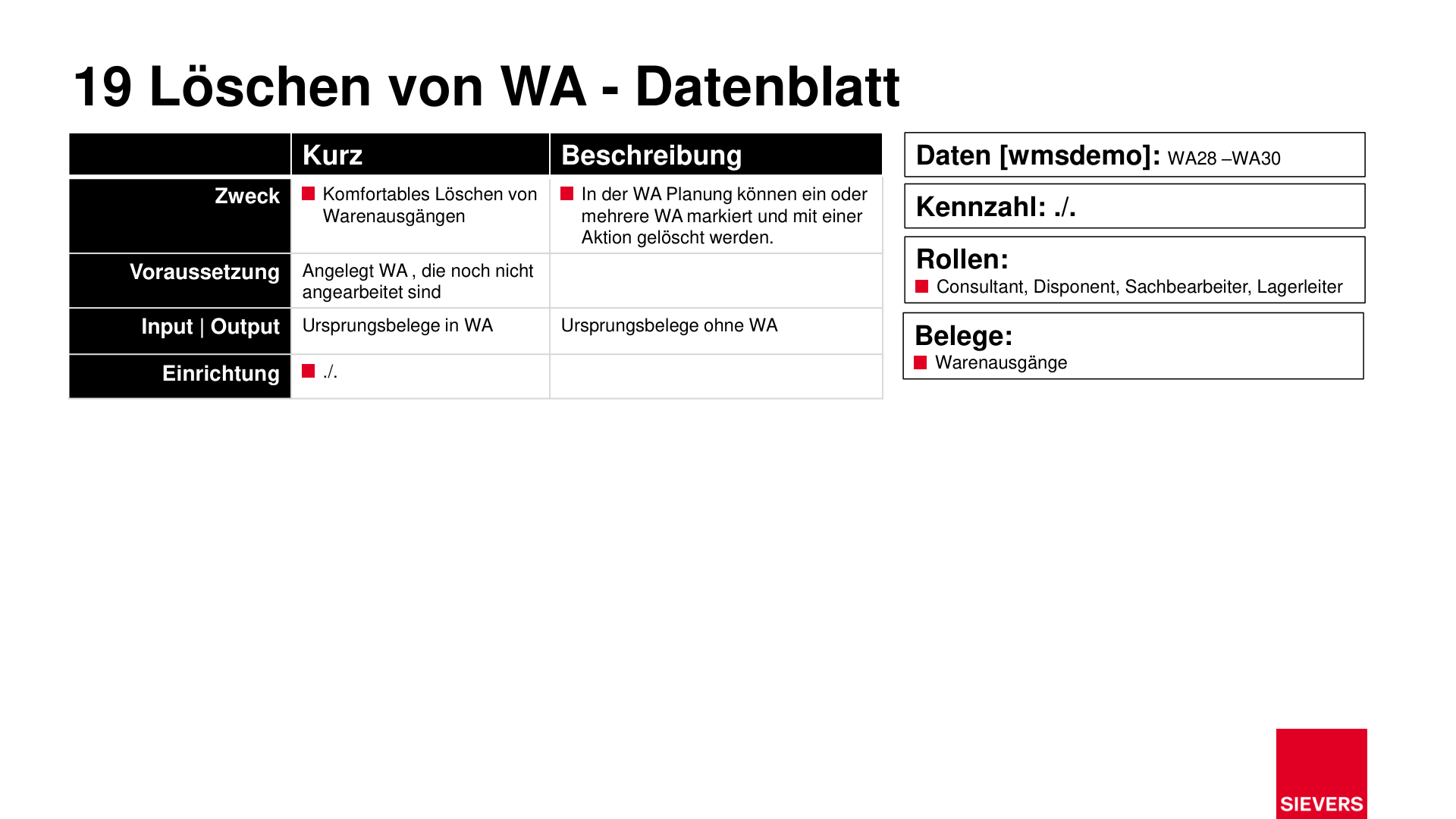
Purpose
- Remove unneeded or incorrectly created warehouse shipments
- Free up source documents for reassignment to a new warehouse shipment
Prerequisites
- Warehouse shipments that have not yet been processed (no released picking documents, no posted operations)
Operation
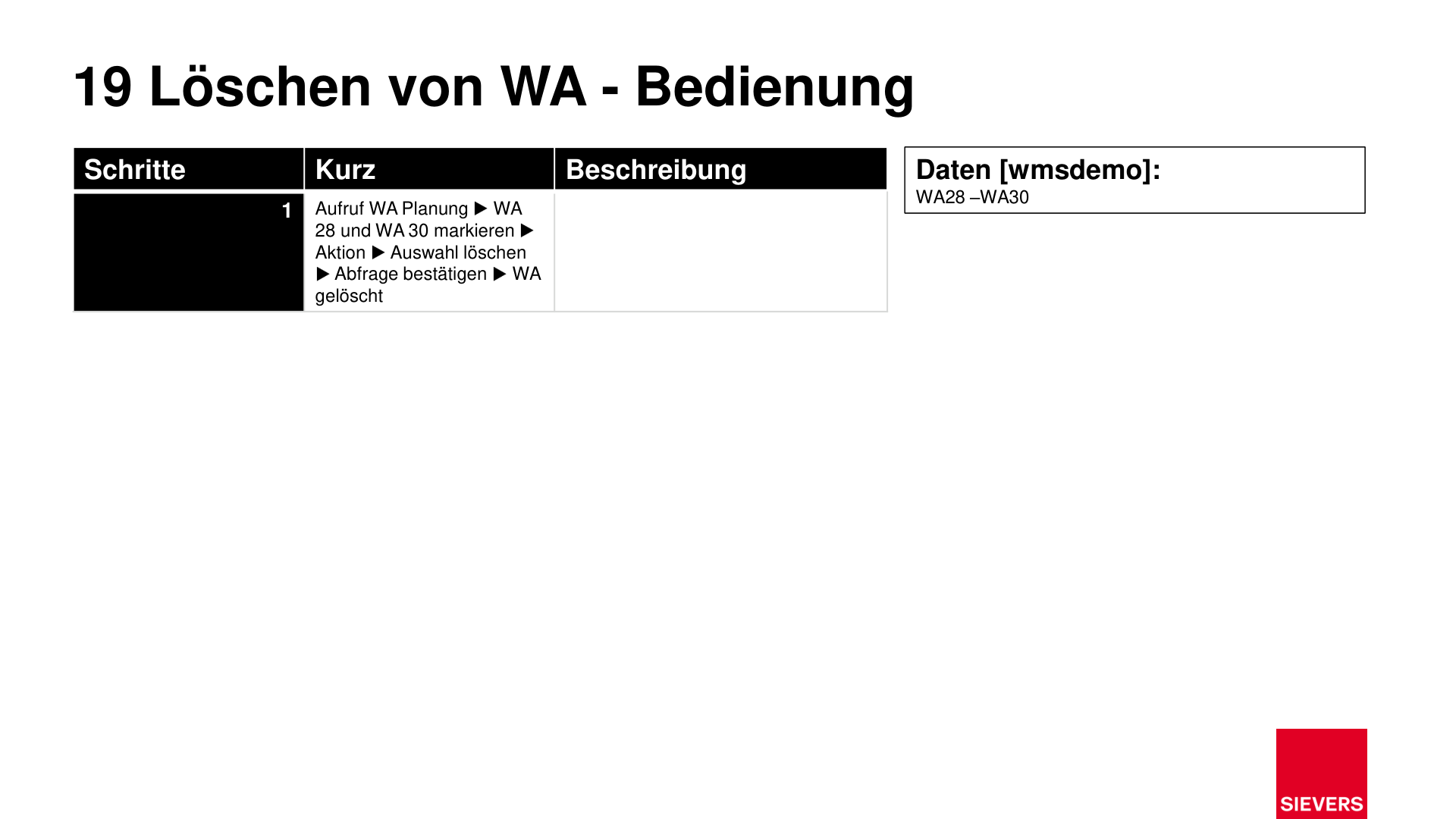
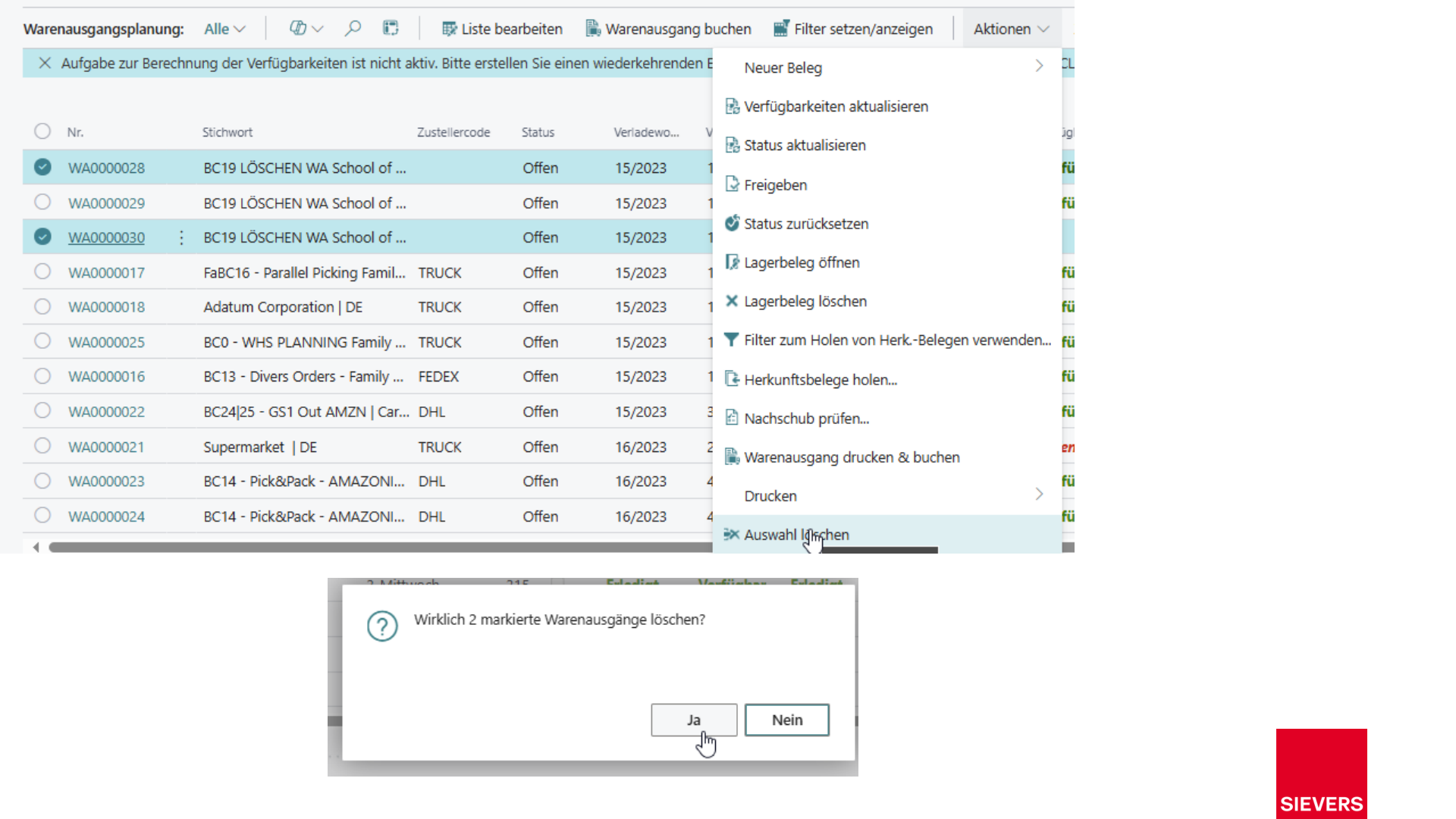
- Open Warehouse Shipment Planning.
- Select one or more warehouse shipments to delete.
- Choose Action > Delete Selection.
- Confirm the prompt.
The selected warehouse shipments are deleted. The source documents they contained are available again for a new warehouse shipment.
Warnung
Warehouse shipments with already released or processed picking documents cannot be deleted directly. Reset the release of the picking documents first.
Slides