Manual Creation of Warehouse Documents
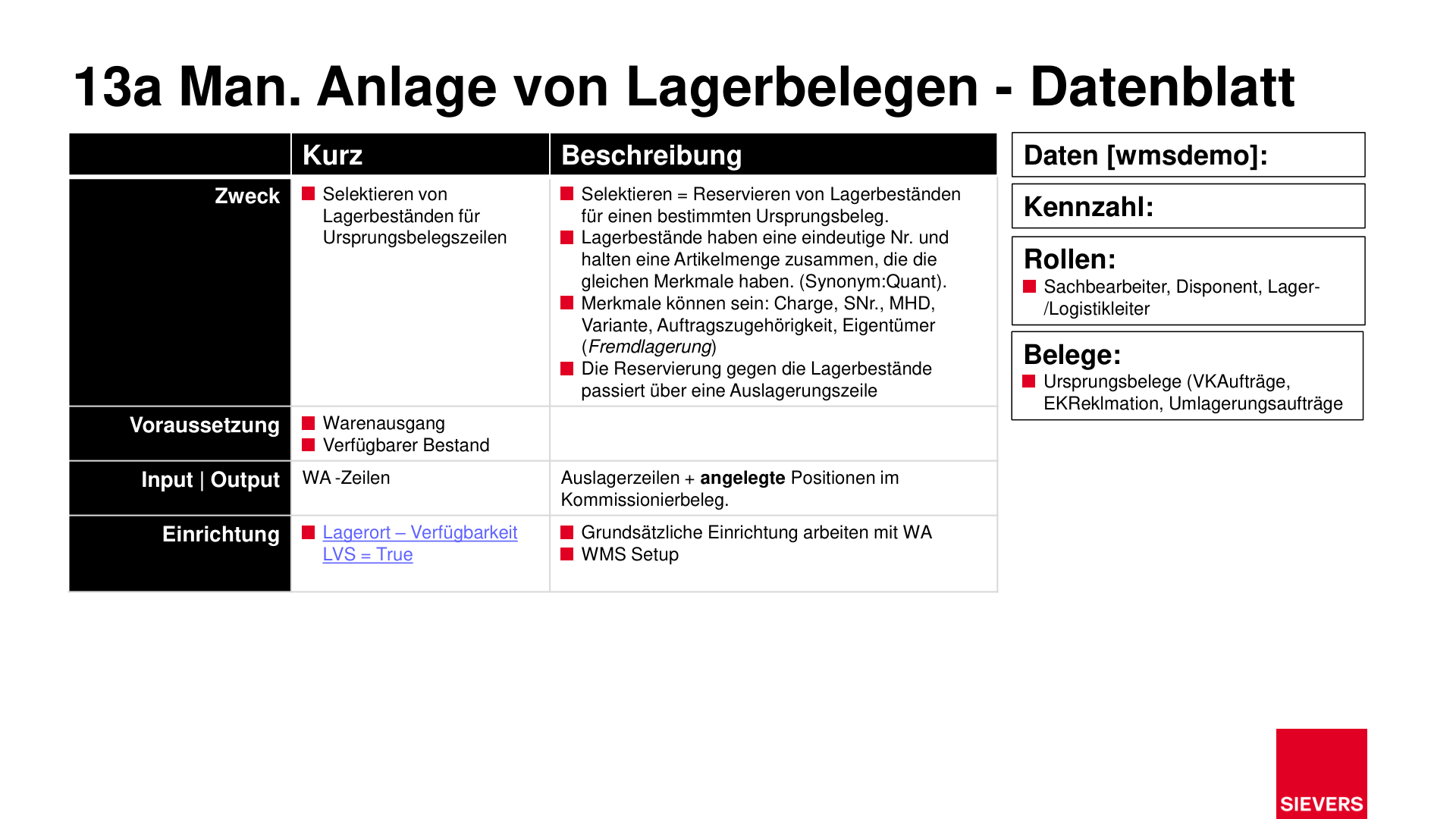
Manual creation of warehouse documents allows targeted selection and reservation of stock for specific source document lines. It is used when automatic assignment is not desired or not optimally possible.
Purpose
- Targeted selection and reservation of stock for individual order lines
- Full control over warehouse document creation without automatic system logic
Prerequisites
- Warehouse shipment created
- Available stock recorded in the system
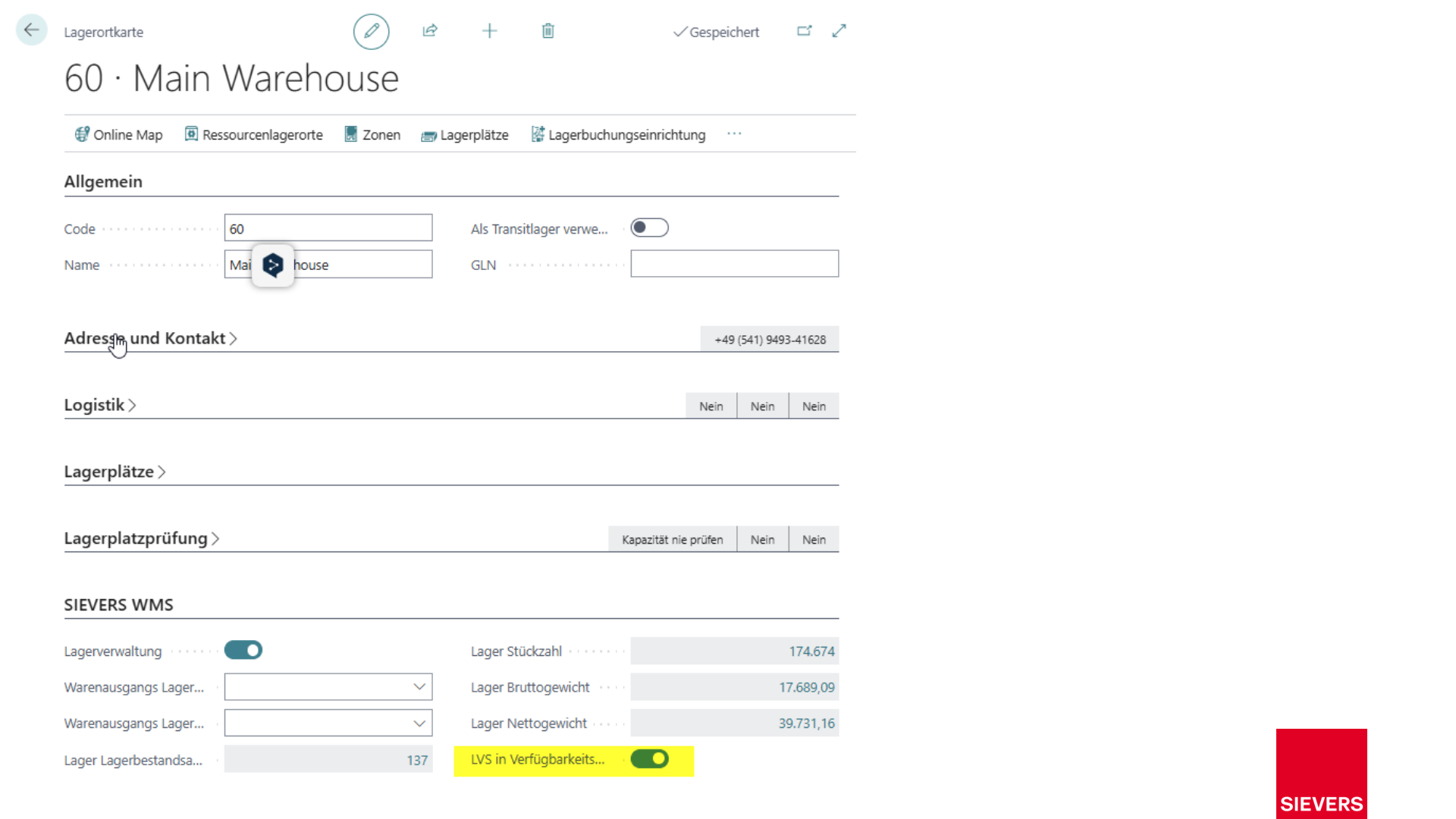
- Location: WMS Availability = True
- Basic SWMS Warehouse Shipment setup in place
Process
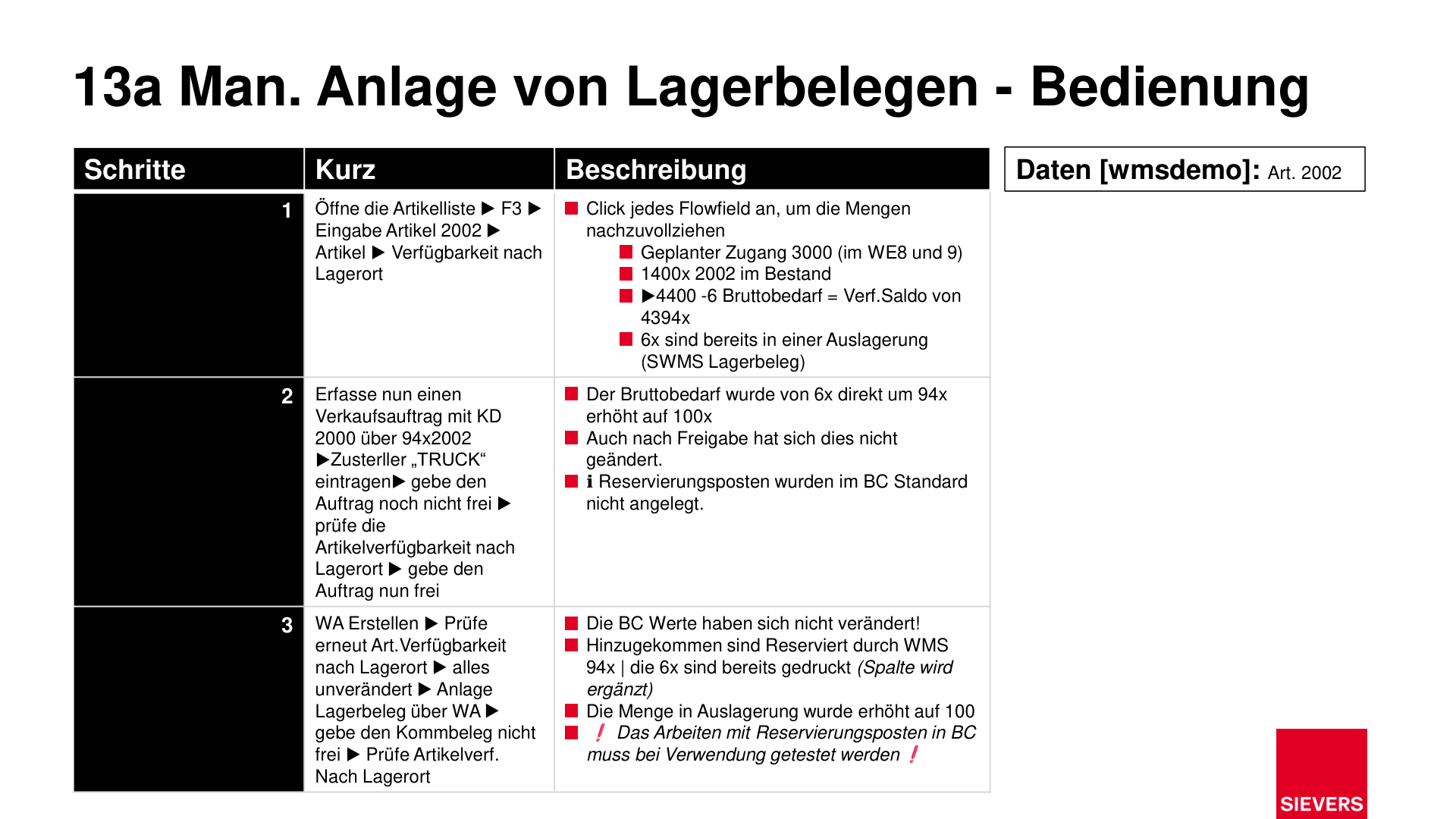
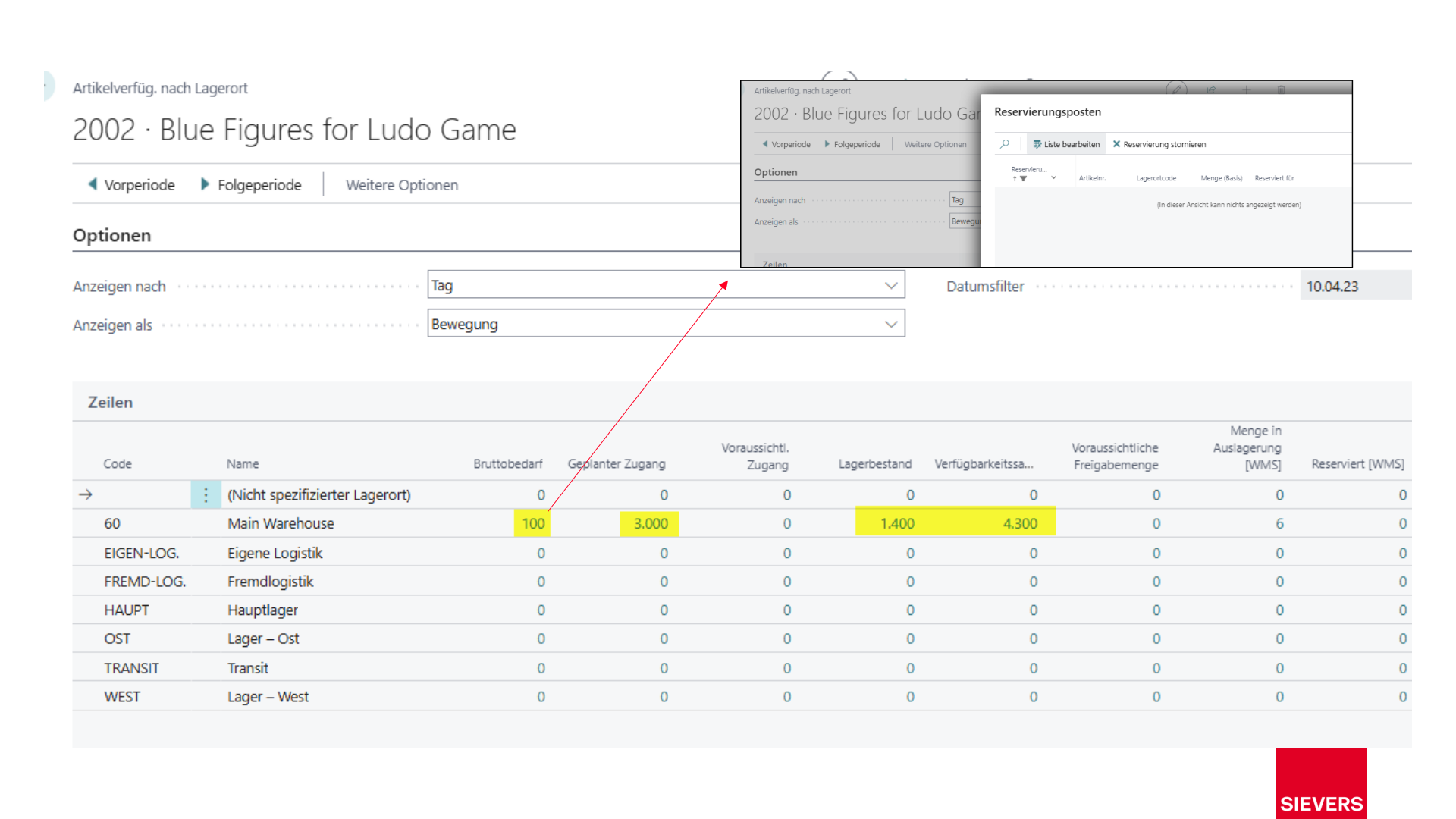
1. Check item availability
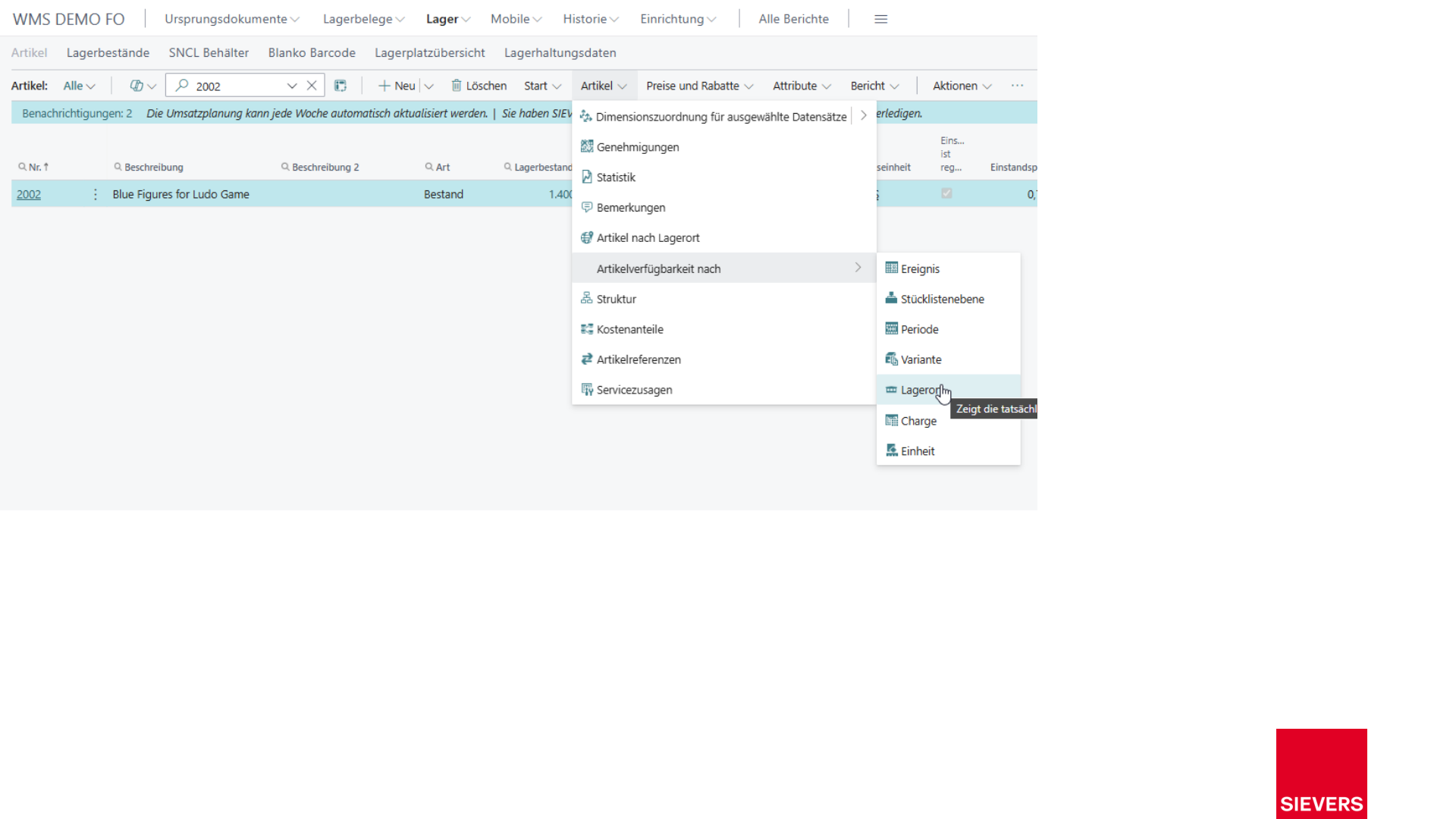
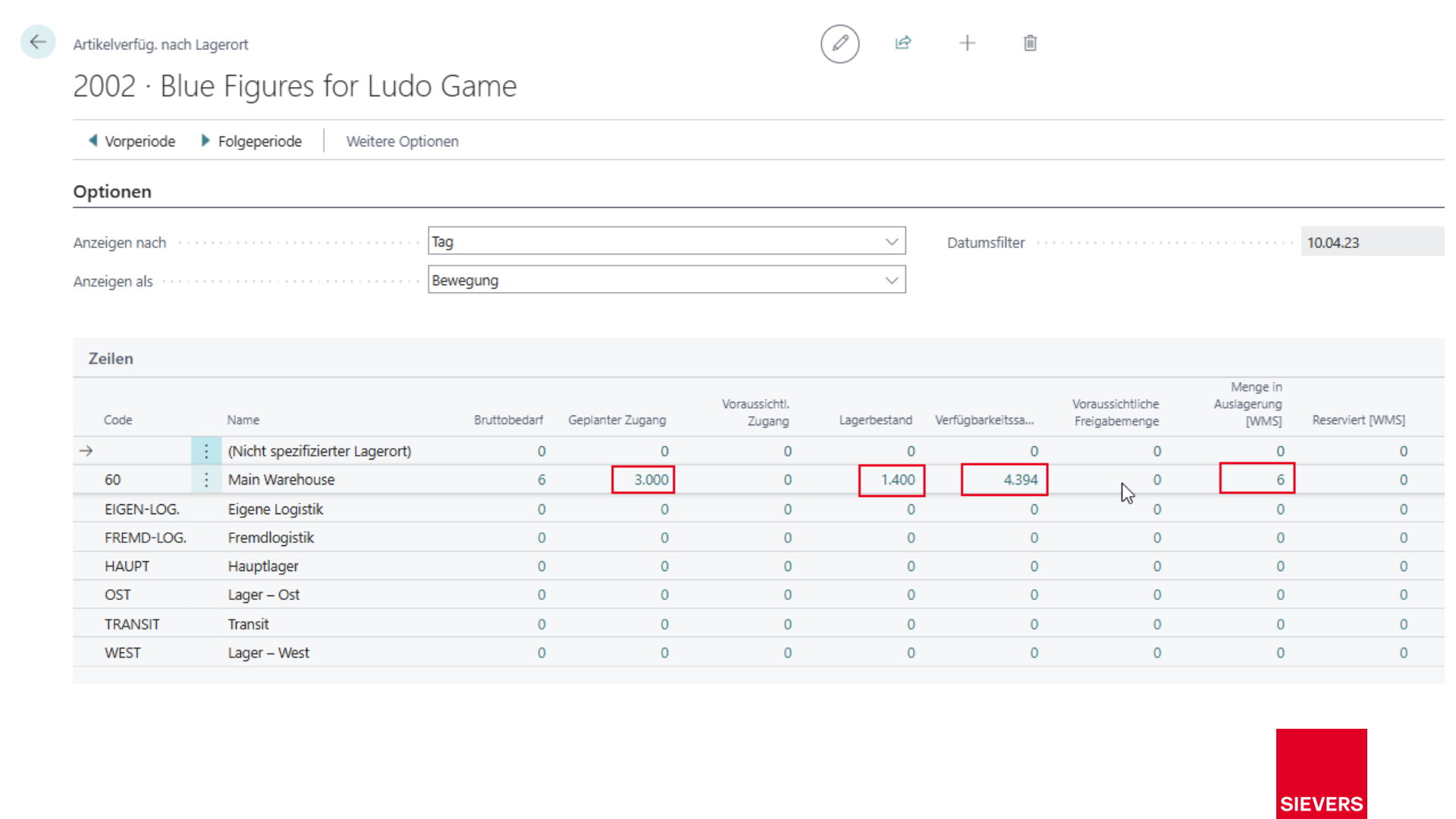
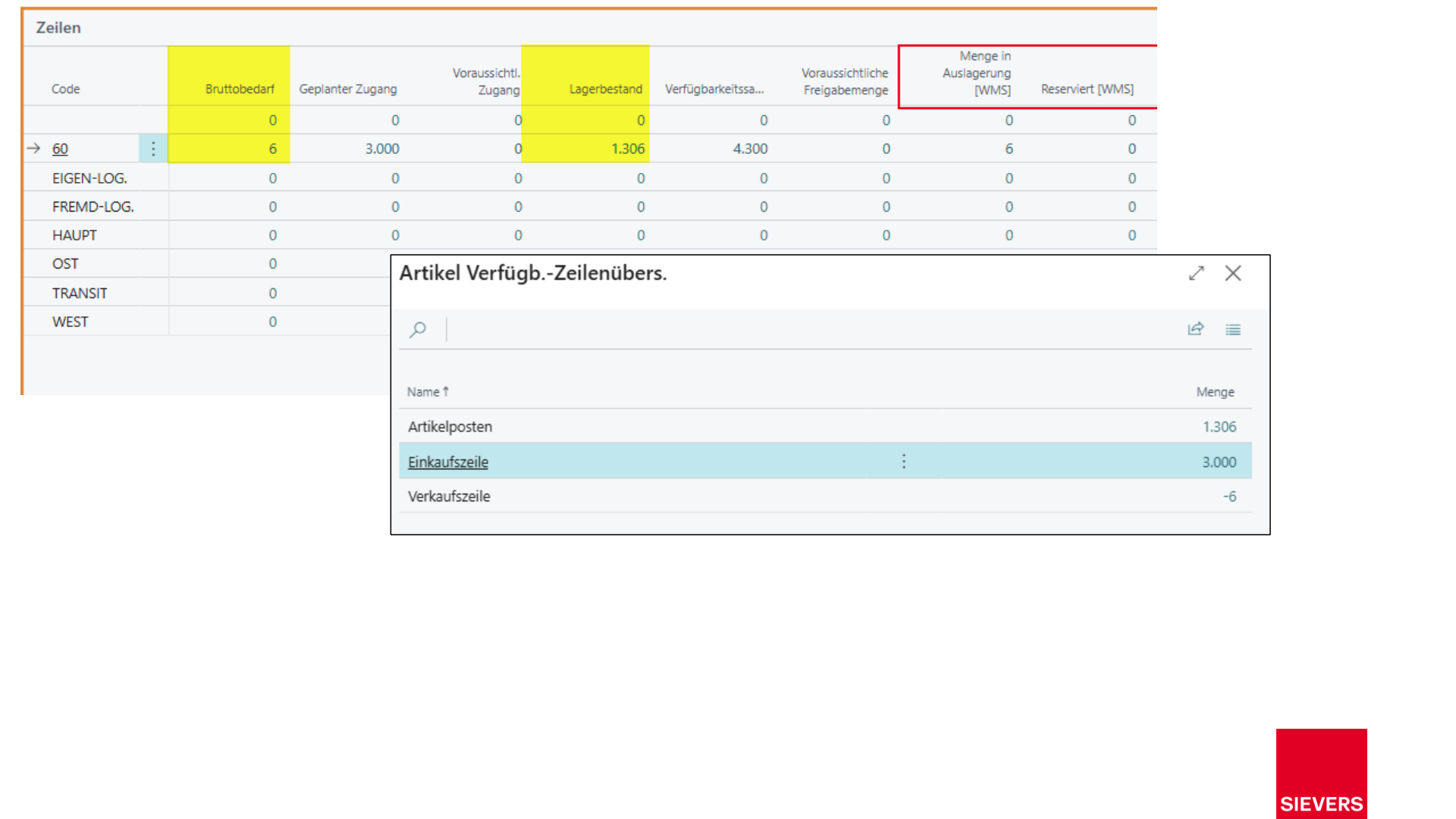
Open the item list (F3), enter the item number, and display availability by location.
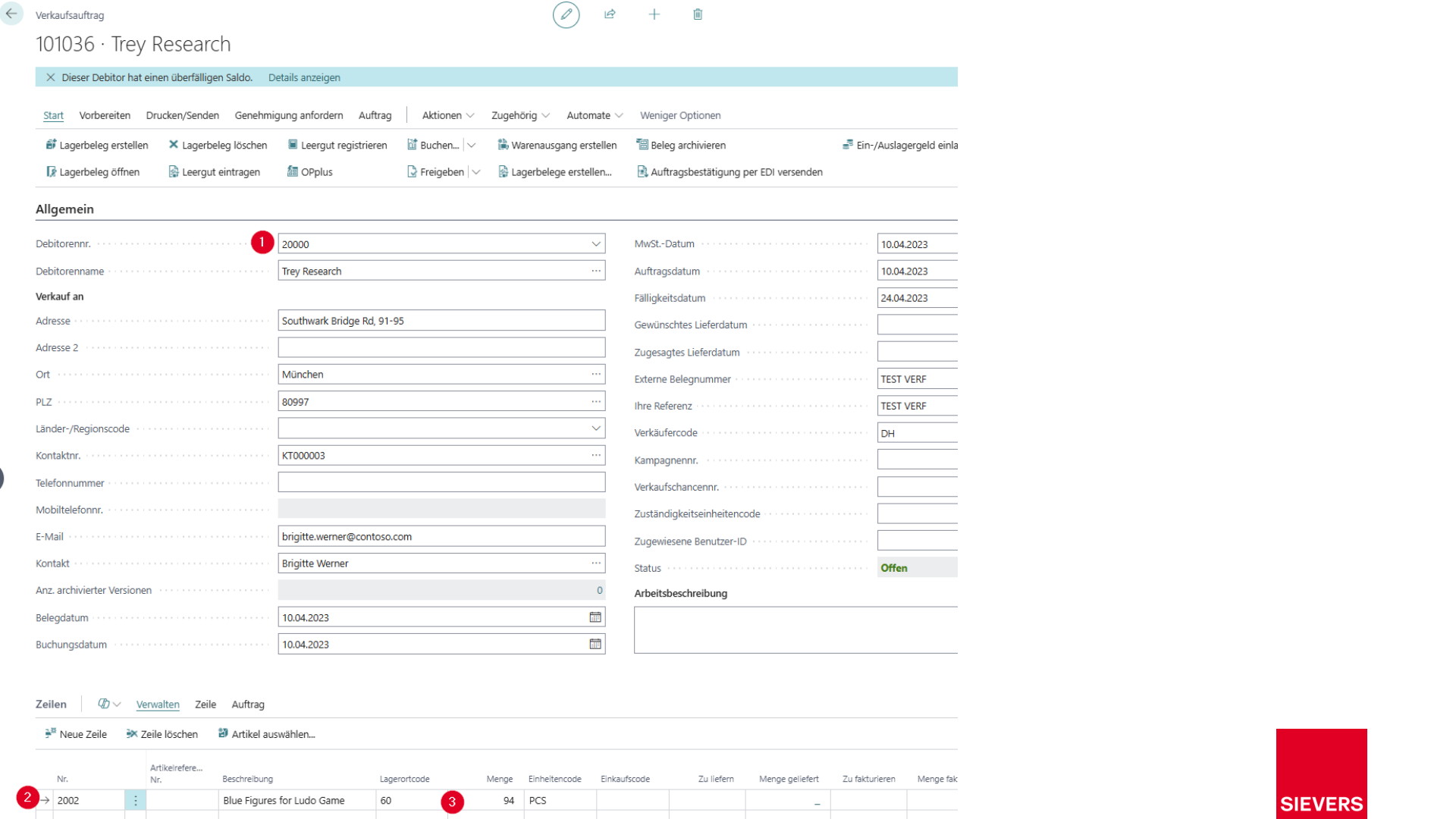
2. Create and release a sales order
- Create a sales order for the customer and item.
- Select the shipping agent.
- Check item availability by location.
- Release the order.
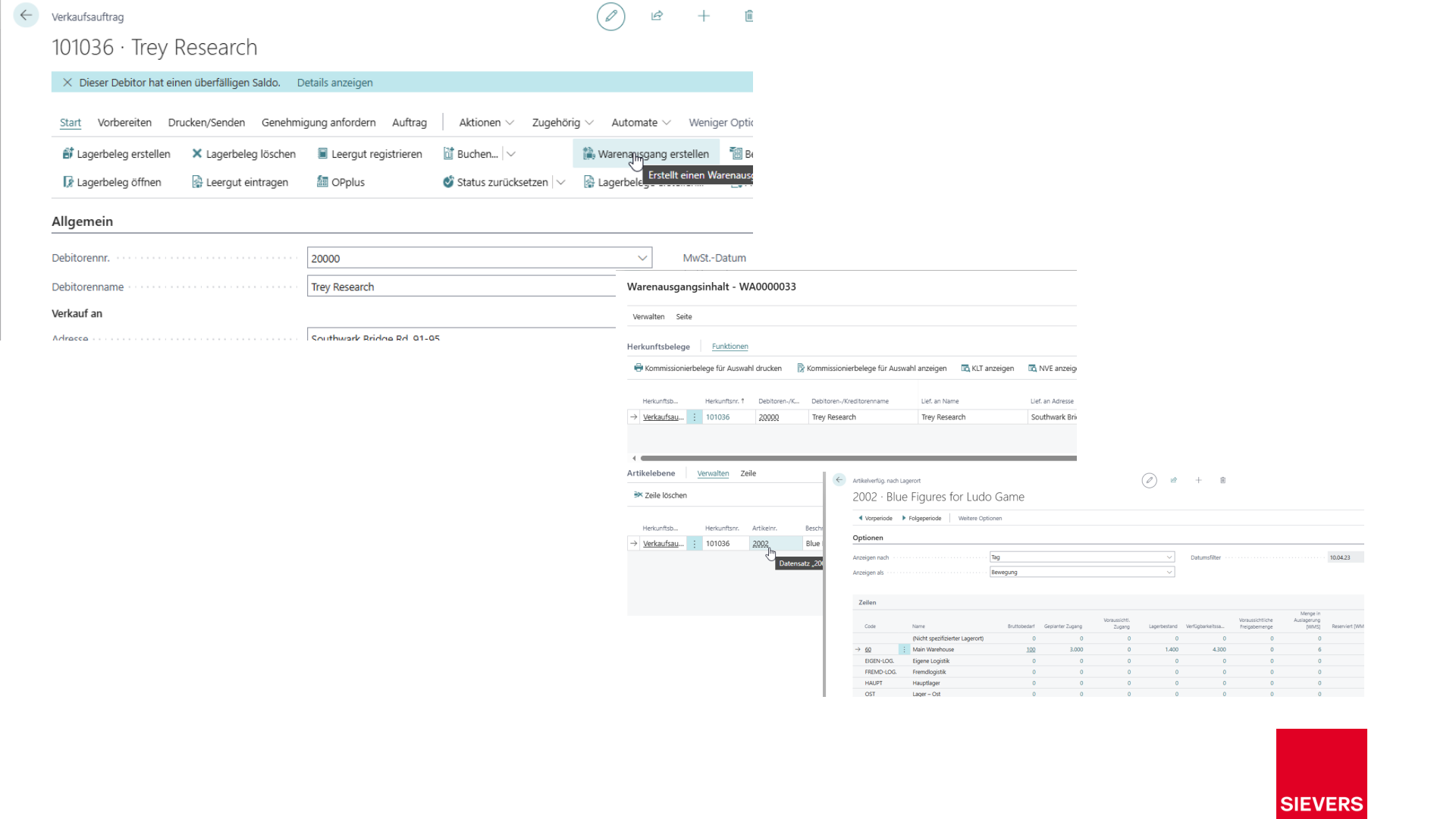
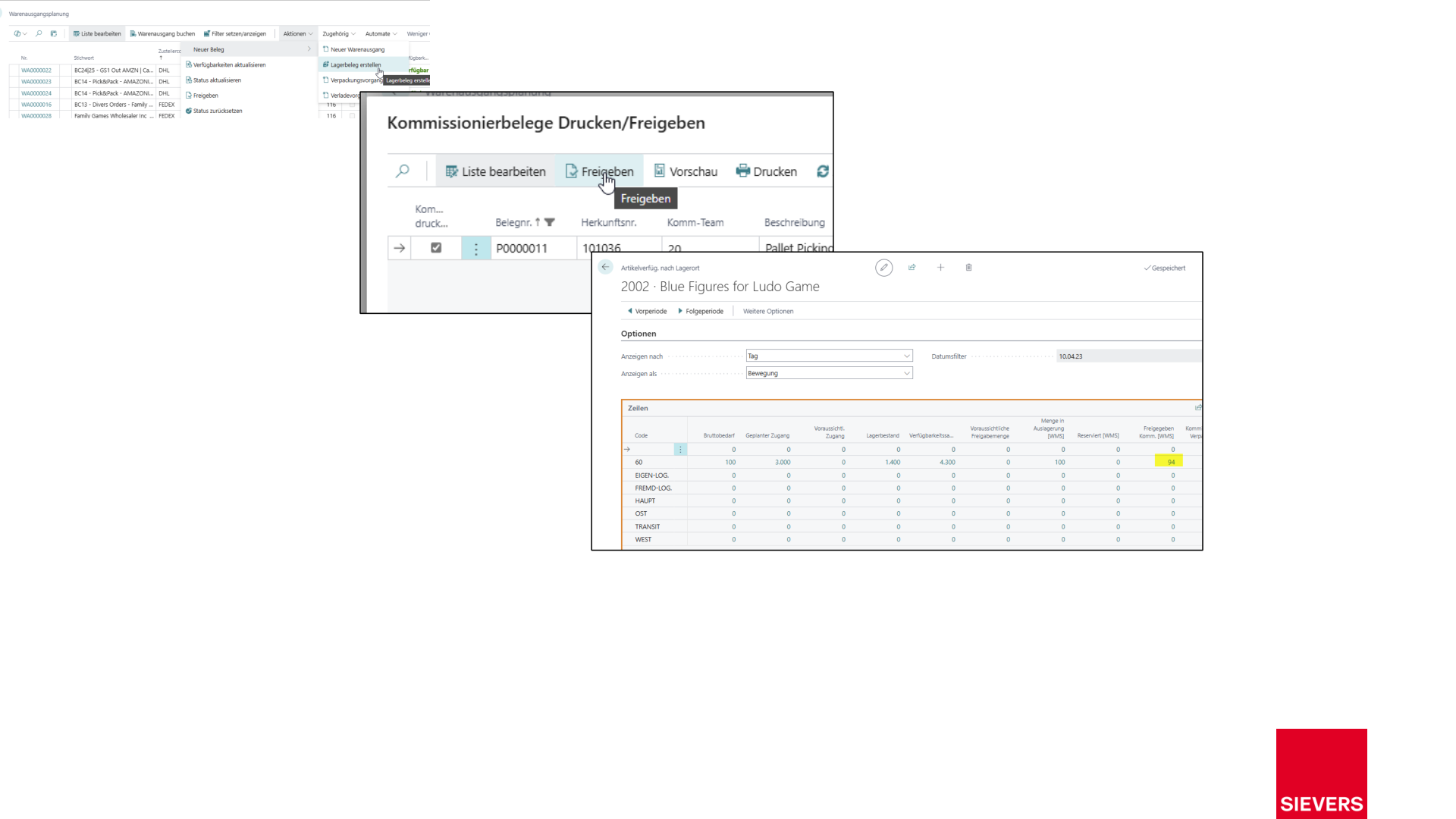
3. Create the warehouse document
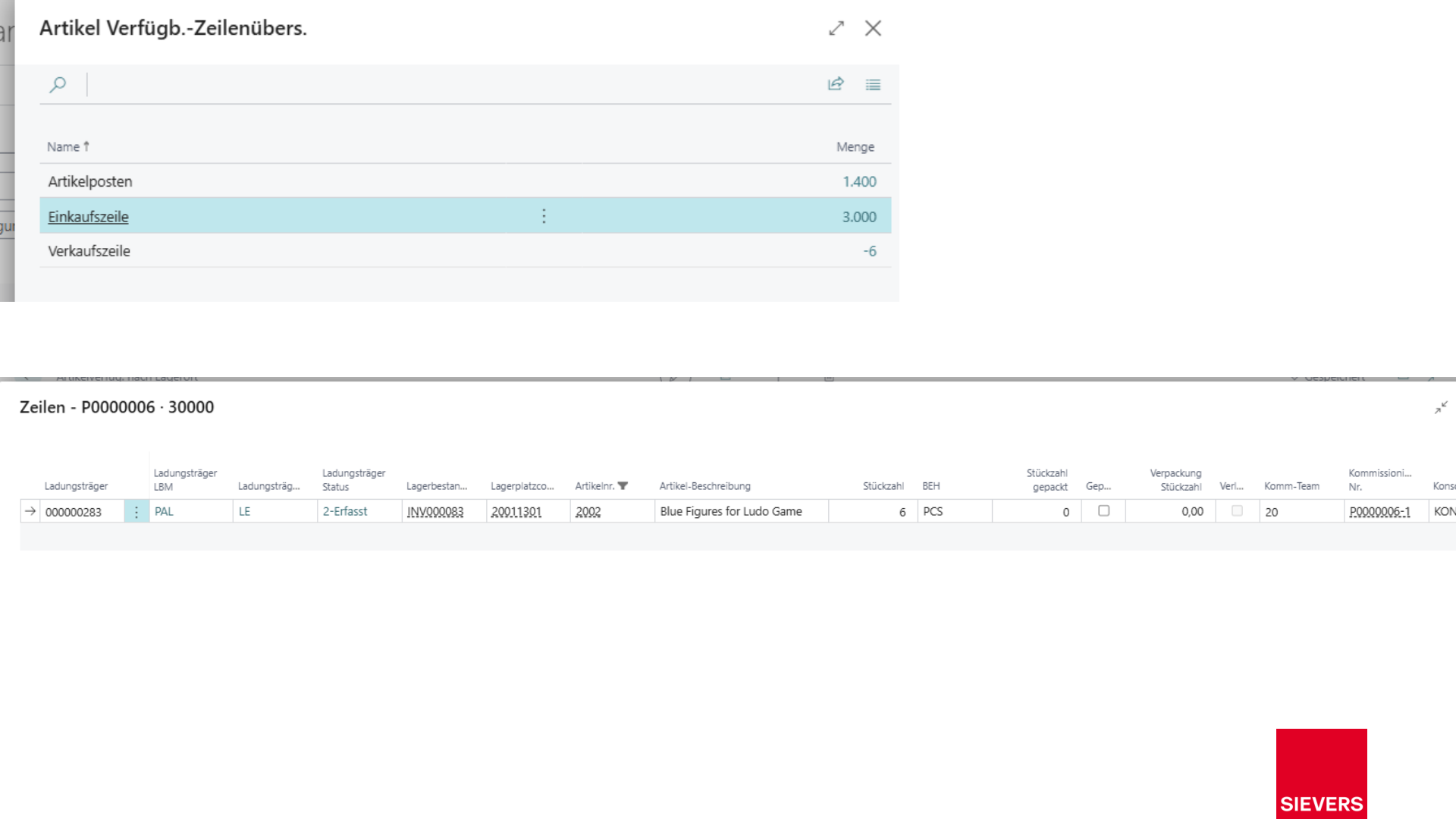
- Check availability again.
- Create the warehouse document via the warehouse shipment.
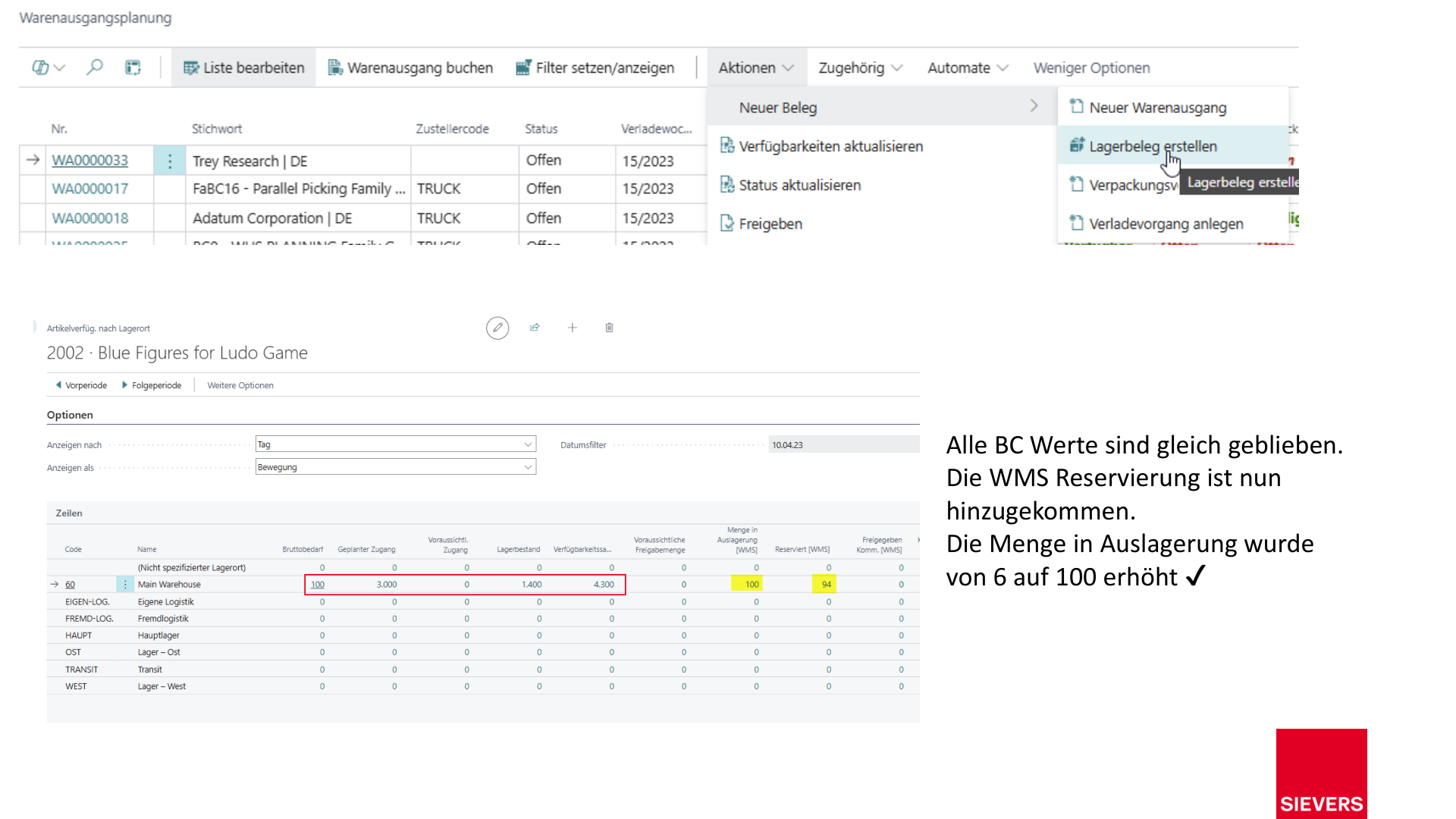
- Do not release the picking document yet — check availability first.
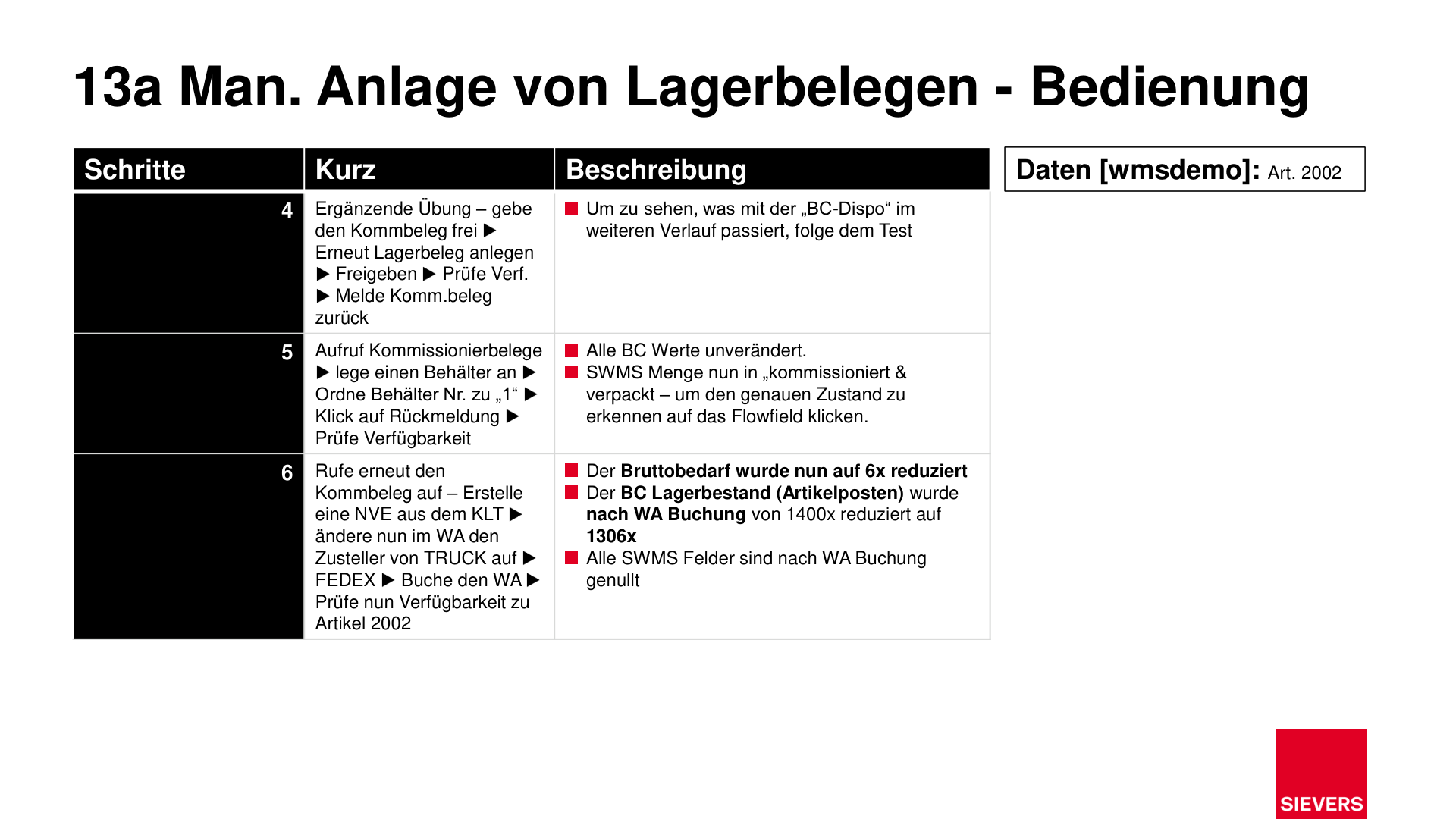
4. Release the picking document and finalize the warehouse document
- Release the picking document.
- Create and release the warehouse document again.
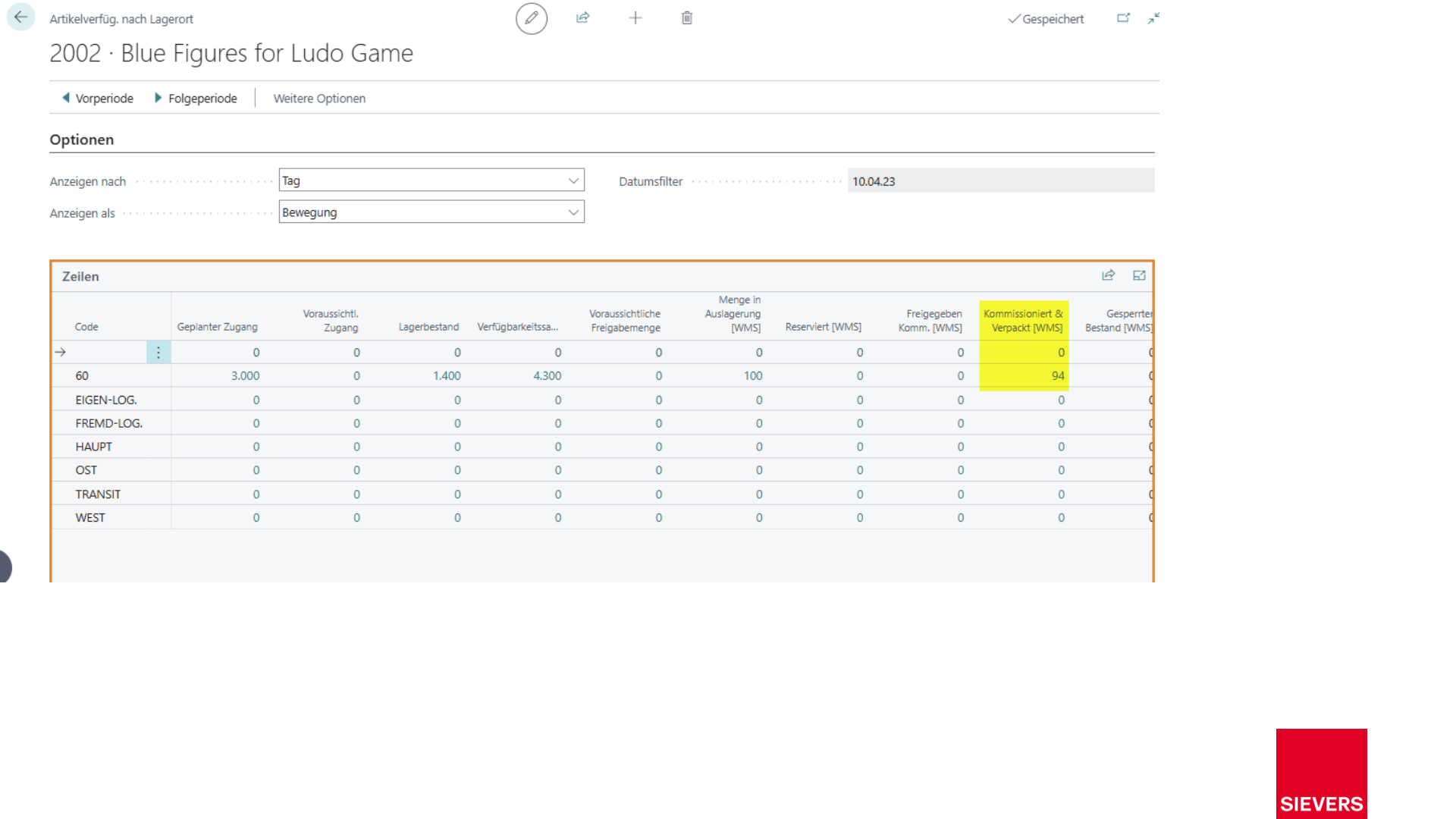
- Check availability after release.
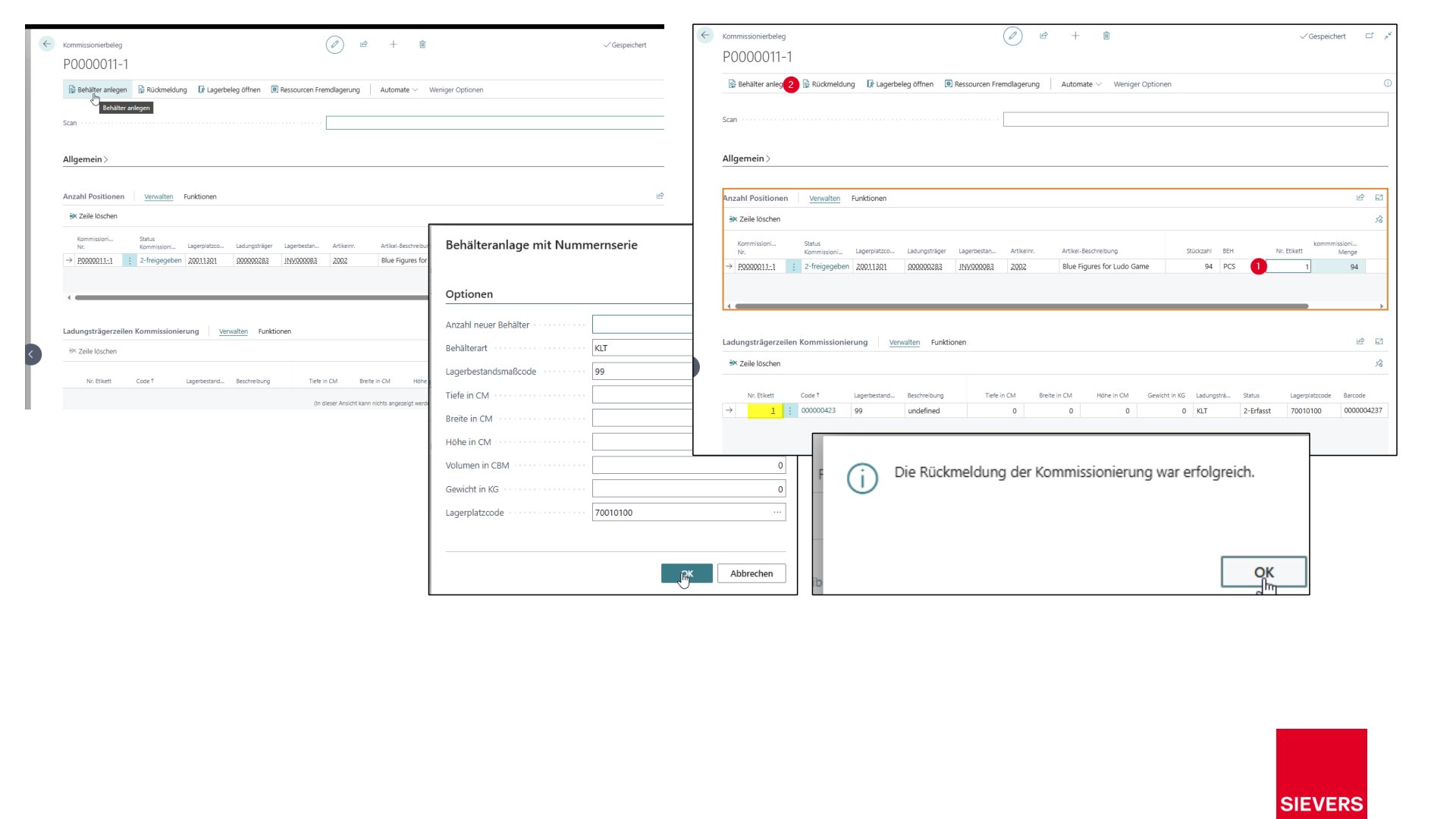
5. Create containers and generate SSCCs
- Create containers and assign them to the picking document.
- Open the picking document and generate SSCCs from the PTUs.
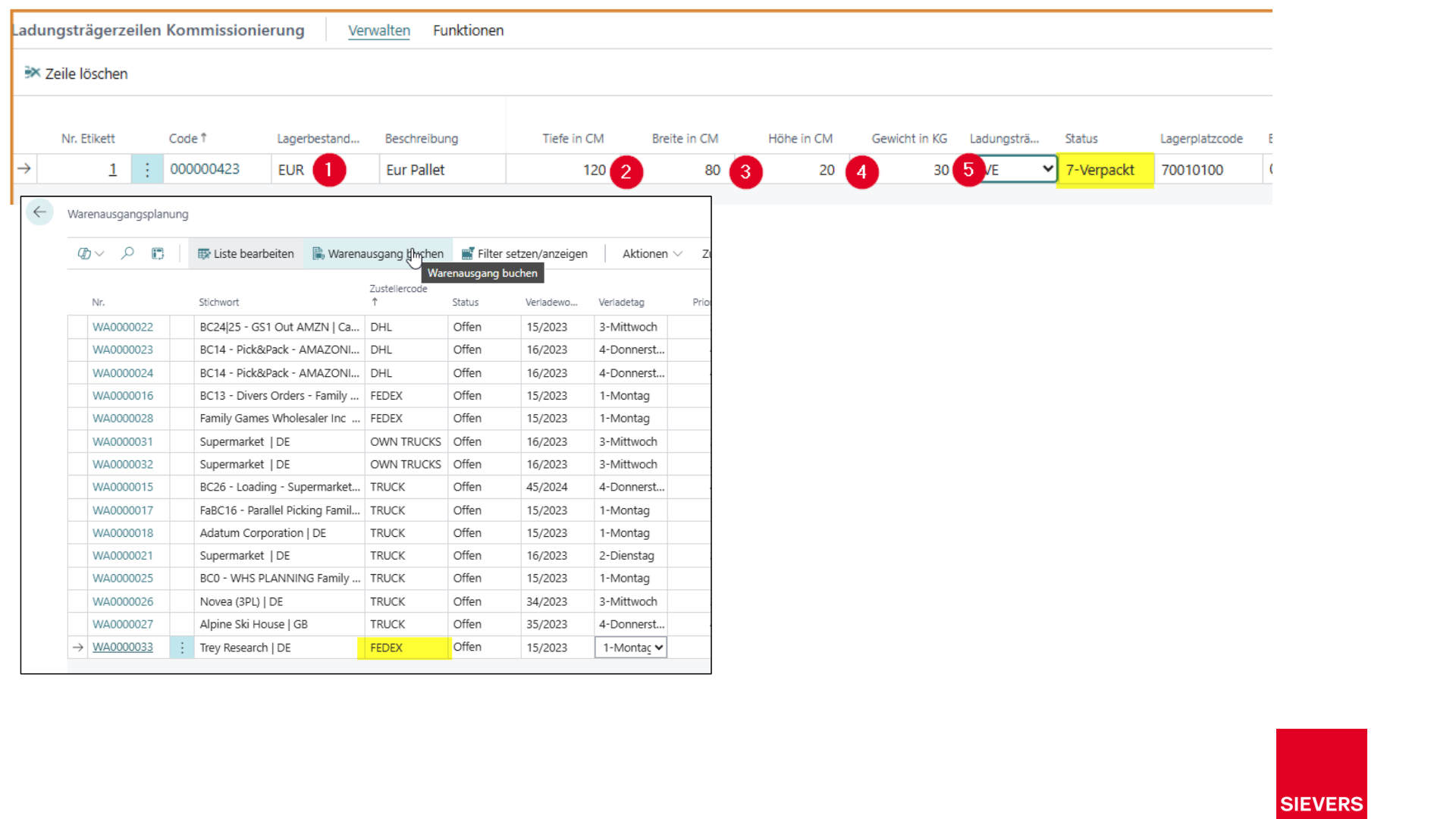
6. Complete
- Change the shipping agent if needed (e.g. from TRUCK to FEDEX).
- Post the warehouse shipment.
- Check availability as a final step.
Hinweis
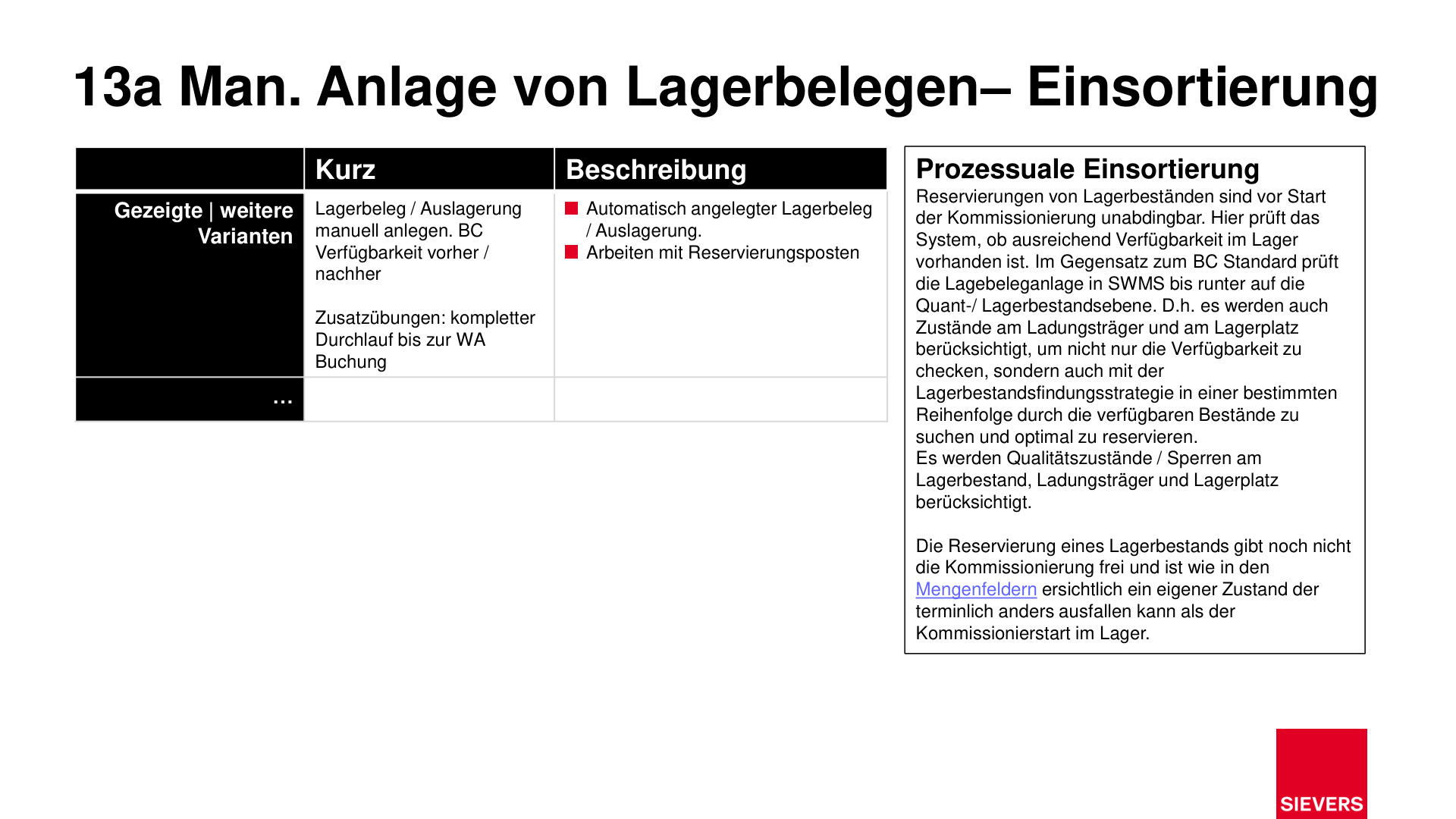
In addition to general stock availability, the system also checks load carrier and storage location states as well as quality blocks to ensure correct reservations.
Roles
- Clerk, dispatcher, warehouse/logistics manager
Documents
- Source documents (sales orders, purchase return orders, transfer orders)
- Warehouse shipment documents
Slides