Performing a posting or partial posting without loading
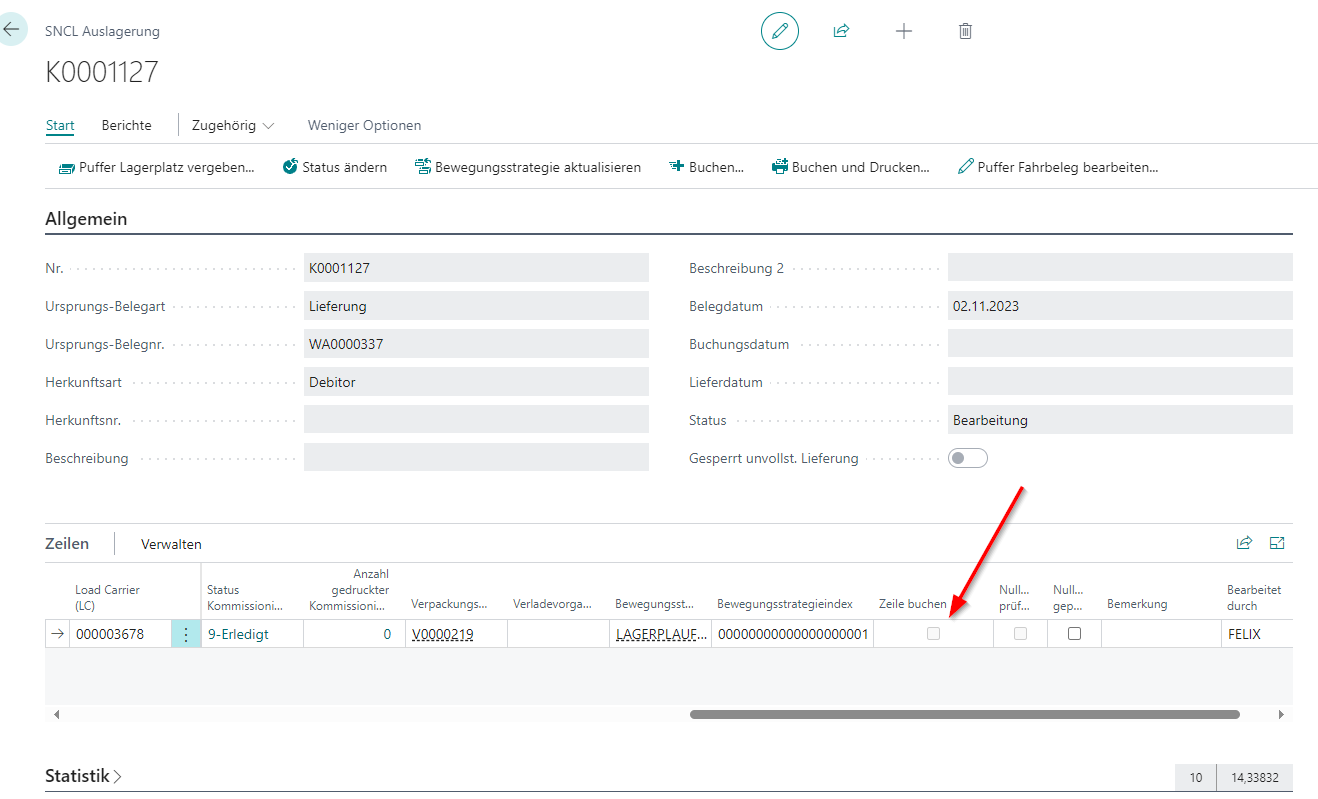
As soon as picking is complete, you can carry out a posting or partial posting of the warehouse shipment at any time. The prerequisite for this is that the Loading required indicator is not set for the selected shipping agent. If the indicator is set, you can also carry out partial postings, but only those items that have already been loaded and therefore have the status 9-loaded will be posted. There are various options for postings:
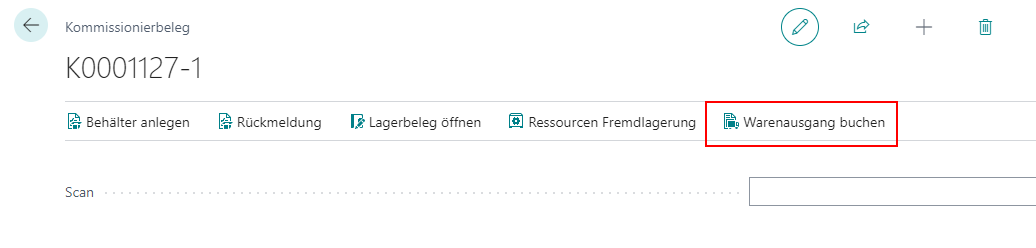
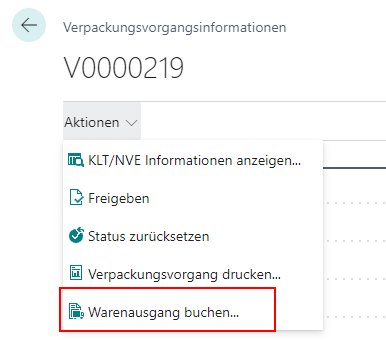
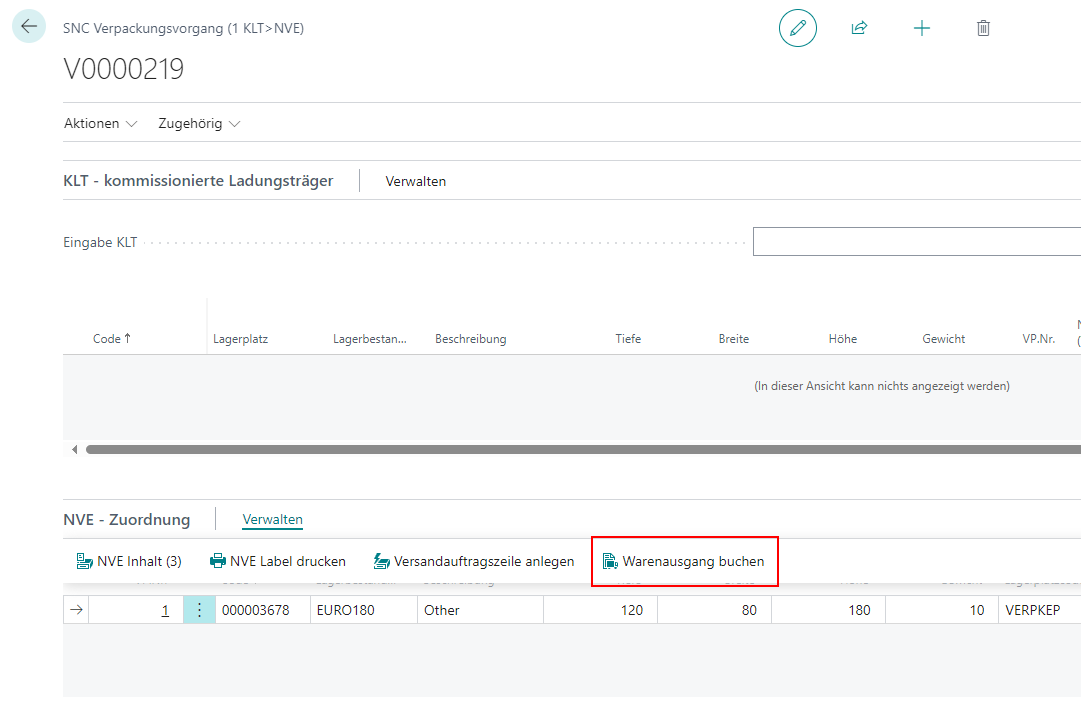
- Posting all items of a document to
- Outbound Stock Post
- Picking
- Packing
- Postings of individual document lines to
- Outbound Stock Post
- Picking
- Packing
Hinweis
With a partial posting, you post part of the warehouse shipment. The rest remains in the warehouse shipment and can be shipped later.