Variants
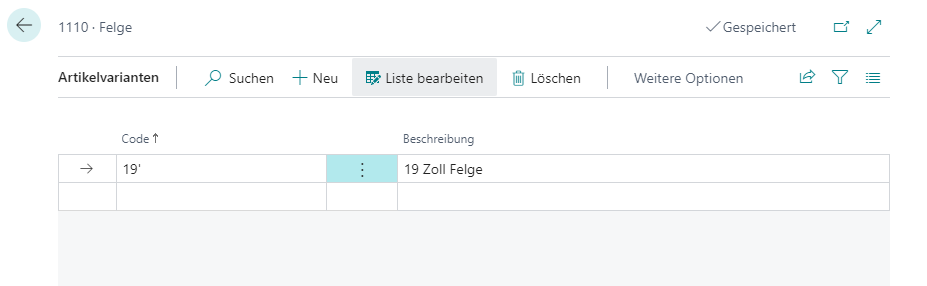
Item variants allow you to further subdivide individual items. It has no effect on the item itself, but is merely a type of category. For example, you could store different sizes or colors for the item Rim as a variant.
The variant occurs in many places in the system: primarily on orders or inventory. The setup is done on the item in the menu under Related -> Item -> Variants.
The visibility of item variants can be centrally controlled via the SWMS Feature Setup. Warehouses that do not use variant management can deactivate the feature and thereby receive a clearer user interface without variant fields.